How to Solve iCloud+ Custom Domain SPF Issues
I must confess, I love iCloud email. And what could be better than it? Yes, iCloud email on your own domain. As a matter of fact, iCloud+ subscription allows us to setup up to five custom domains. The setup is pretty straightforward but here’s the catch. Sometimes it doesn’t work and there’s no support from Apple. At least, not that I’ve heard of.
As you’re reading this post, I can safely assume that you’ve run into such problem. Let me show you a pragmatic approach to solving this problem.
The dreadful SPF record not found error
You’ve probably seen this error from iCloud email. Sometimes it complains about SPF record and sometimes MX. The bottomline is that it doesn’t work.
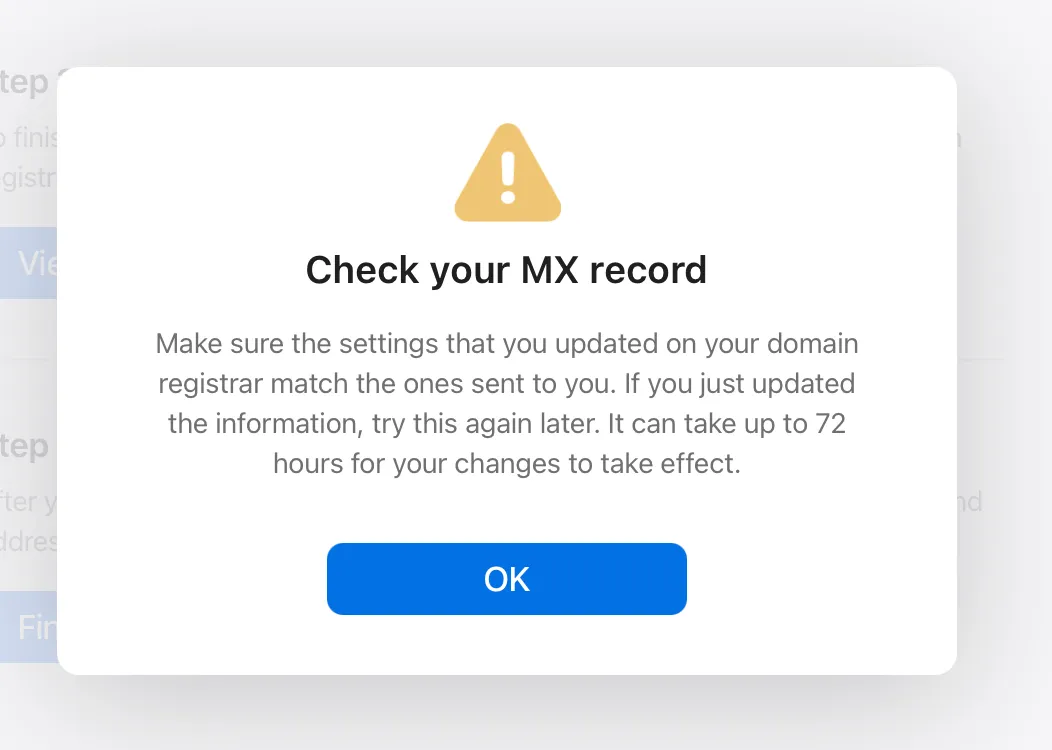
1. Check, double check and triple check your DNS records
When iCloud gives this error there are two possibilities. First, the records are really missing or the DNS changes haven’t propagated yet. For the first possibility I kindly ask you to double check all the required records. Basically you need to setup one TXT type record for domain ownership, one TXT record for SPF, one CNAME record for DKIM and two MX records. On the positive side, Apple provides pretty clear instructions, which I will not repeat here.
2. Wait for the DNS changes to propagate
You see DNS changes don’t happen instantly. Normally records have certain time until the changes are reflected. Some DNS providers, especially those providing it for free try to set longer timeouts, often 1 hour. So, depending on the provider you may need to wait. However, if after an hour or two it still doesn’t work, further wait is futile.
3. Conflicting DNS records
This is a real sucker and let me show you why. I had three domains setup successfully without any issues before with iCloud email. However, recently when I launched this site, that’s when I first ran into this issue. Of course I tried everything: removed older DNS records, waited for several ours, used external tools to check that the DNS changes were indeed propagated. Nothing helped.
This felt even more frustrating because I had three domains setup with no issues. And then I decided to try something different. 25+ years of programming have taught me one thing. Usually if thing A works but similar thing B fails, you have to look at the difference. Changes and differences cause majority of problems. I immediately started comparing the DNS records for the problem domain to the ones that worked well and here’s what I noticed.

Before setting the email, I was setting up the blog and I had added this rogue CNAME record. Basically, if you add a CNAME record to the root (often you use @ for most DNS providers), it messes up with iCloud. As soon as I removed this records, in a couple minutes iCloud picked up my DNS records without any issues.
I use Namecheap for my domains and DNS. I’m not sure if this is happening with other DNS providers but with Namecheap it’s happening for sure. You can check Apple support forums and you will see numerous posts with this issue and practically always it’s Namecheap.
Final words
I hope this post helps you save time and overcome the frustrating process and enjoy your favorite email on your custom domain.
<< Previous Post
|
Next Post >>